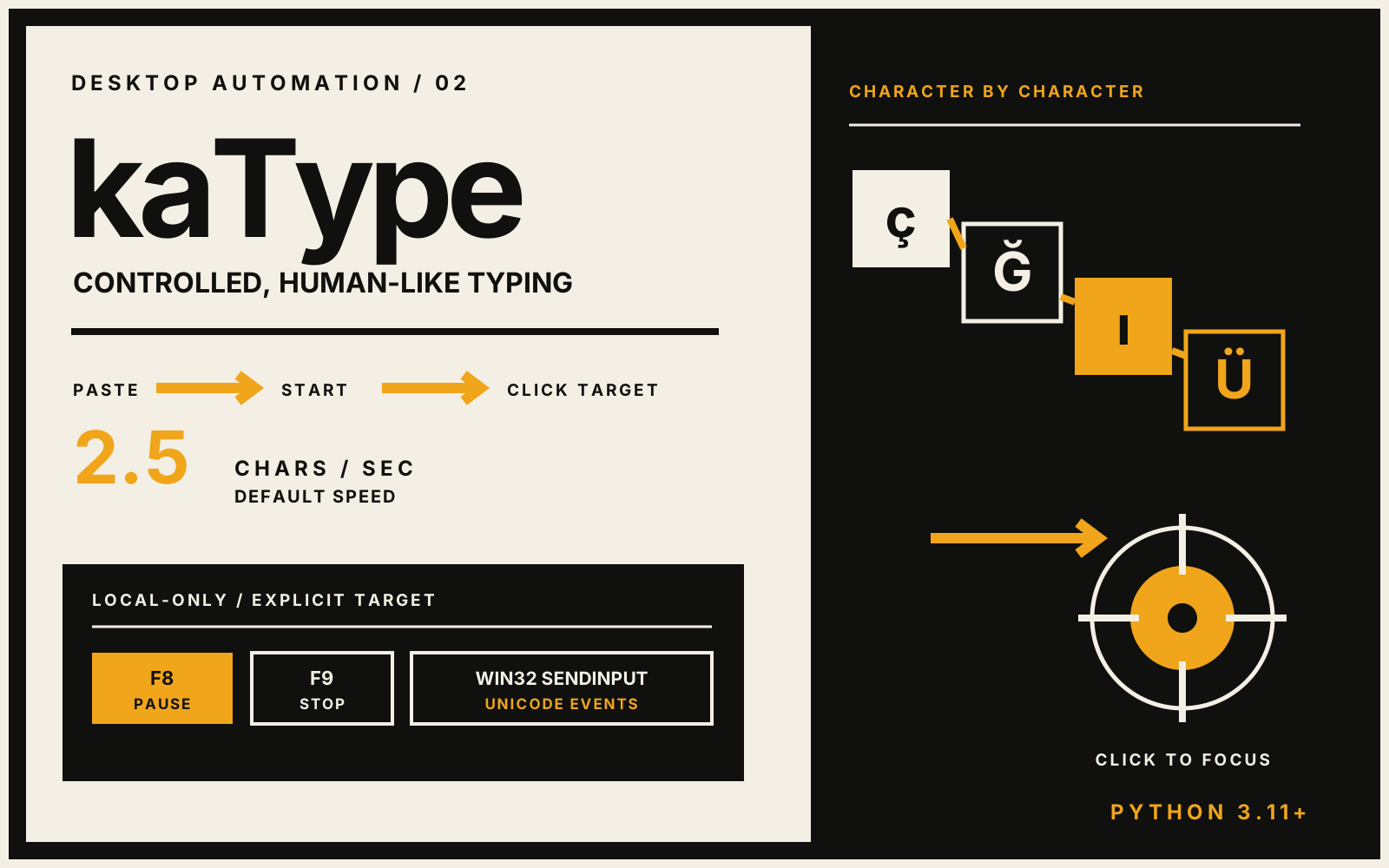
A local Windows 11 utility for deliberate, human-paced text entry through native Unicode input events.
Field
Desktop utility / input automation
Original editorial cover · not a product screenshot
Overview
System brief.
kaType lets a user provide text, explicitly choose a target and then type character by character through Win32 SendInput. Its controls, history and settings remain on the device.
Explicit start and target-selection flow
Pause, resume, stop and cancel controls
Local settings and capped snippet history
No server, upload or target-field inspection
Technical index
Stack.
01Python
02Win32 SendInput
03Windows 11
Interaction / 01
Automation that waits for intent
Typing begins only after the user presses Start and clicks a target location through the selection overlay. Escape cancels selection before any input is sent.
Adjustable character rate
Global and on-screen stop controls
Unicode keyboard events
Privacy / 02
A deliberately local boundary
The application does not read the target field, inspect another application or call a network service. Configuration and a maximum of twenty saved snippets are stored under the user's application data directory.